Unity Integration 2.02
1. Welcome to FMOD for Unity | New in FMOD for Unity 2.02
What's new in 2.02?
This section describes the major features introduced in the 2.02 release. See the Detailed Revision History for information regarding each patch release.
General runtime features and improvements, including any API changes relevant to scripting, are documented in the API what's new page.
[EventRef] Attribute Replaced With EventReference Type
The [EventRef] attribute has been replaced with the new EventReference type. We made this change so we could use the most efficient way of looking up an event at runtime, while keeping the editor UI usable. See the basic scripting example for examples of EventReference usage.
The EventReferenceDrawer class is a PropertyDrawer for EventReference properties that provides a UI similar to the old [EventRef] UI. See the scripting API reference for an example.
To assist with migration to the new system, you can use the Event Reference Updater tool. This will scan all the scenes, prefabs and ScriptableObjects in your project for [EventRef] fields and guide you through the process of migrating them to EventReference fields.
The [EventRef] attribute has been marked as obsolete so that any usage of it will generate compiler warnings, making it easy to see where it is used in your project.
Event Browser Shows Global Parameters in Folders
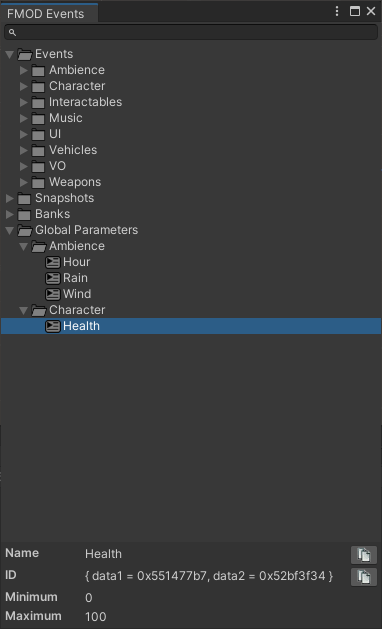
The Event Browser now shows global parameters in the correct folder hierarchy, matching the FMOD Studio preset browser.
Updated Minimum Unity Version
The minimum version of Unity supported is now 2019.4 to reflect the Unity LTS cycle.
What's New Since 2.01 Initial Release?
This section describes the major changes that occurred in 2.01.xx leading up to the release of 2.02.
Supported Platforms
Added support for PS5, Game Core and iOS simulator.
Welcome Experience
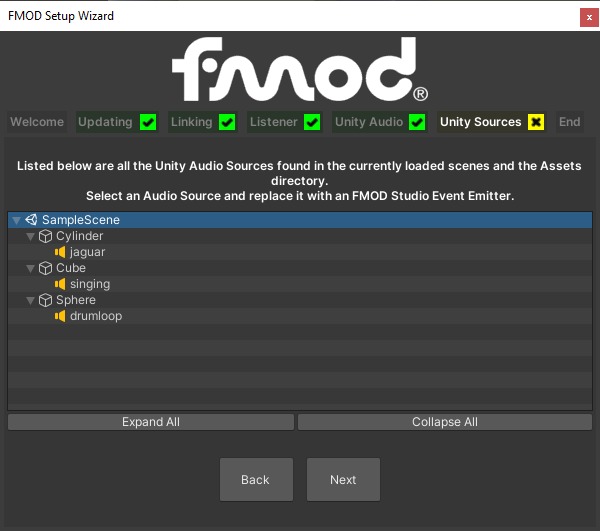
We have added a new setup wizard to help you integrate FMOD into your Unity project. It will appear when FMOD for Unity is first installed, and can also be accessed via the FMOD/Setup Wizard menu command.
The setup wizard guides you through these basic integration tasks:
- Linking your Unity project with an FMOD Studio project or banks directory
- Replacing Unity Audio Listeners with FMOD Studio Listeners
- Disabling the built-in Unity audio
- Replacing Unity Audio Sources with FMOD Studio Event Emitters
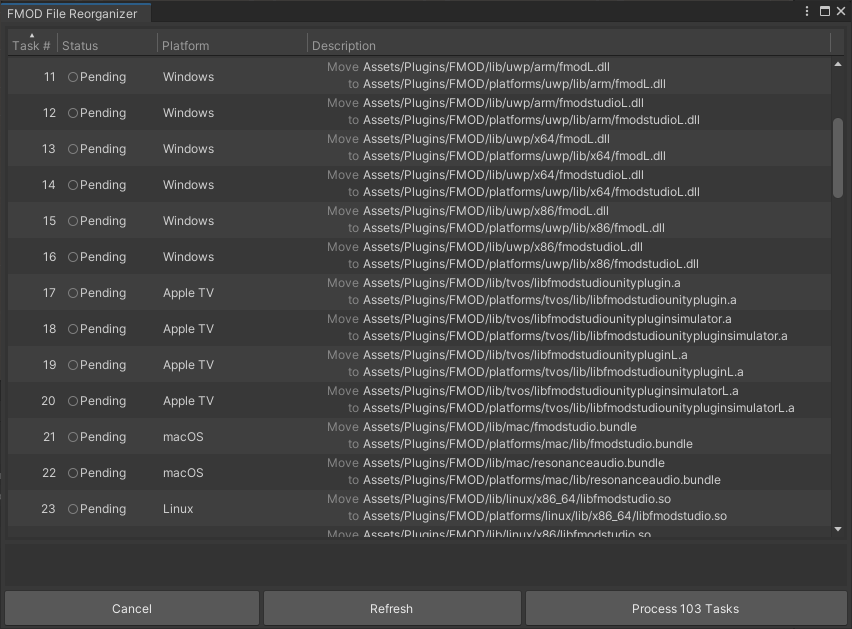
When updating to a new version of FMOD for Unity, the system assists you with:
- Updating the FMOD native libraries via a guided disable / restart / swap process so you don't have to manually delete files
- Finding old [EventRef] attributes and migrating them to the new EventReference type
- Reorganizing the integration files on disk to match the latest layout
Additional Settings
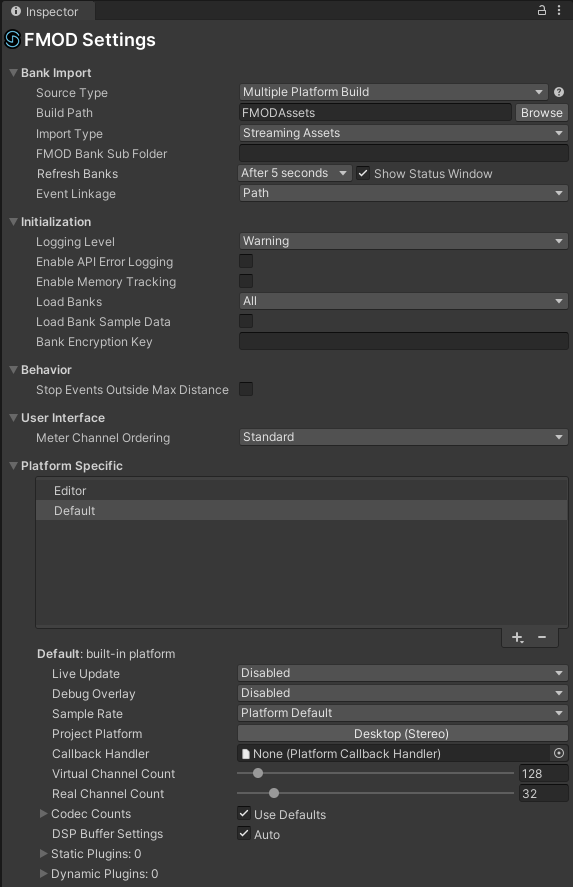
The Settings inspector has received a visual refresh and a significant overhaul of how platform settings are supported.
The new and improved settings include:
- Event linkage
- 7.1.4 speaker mode
- API Error logging
- Live update port
- Output mode
- Static plugin list
- Custom settings script object
- DSP buffer length and count
- Metering UI
- Bank sub folder
Timeline Improvements
Parameters and volume can now be automated on the Unity Timeline.

Visual Scripting
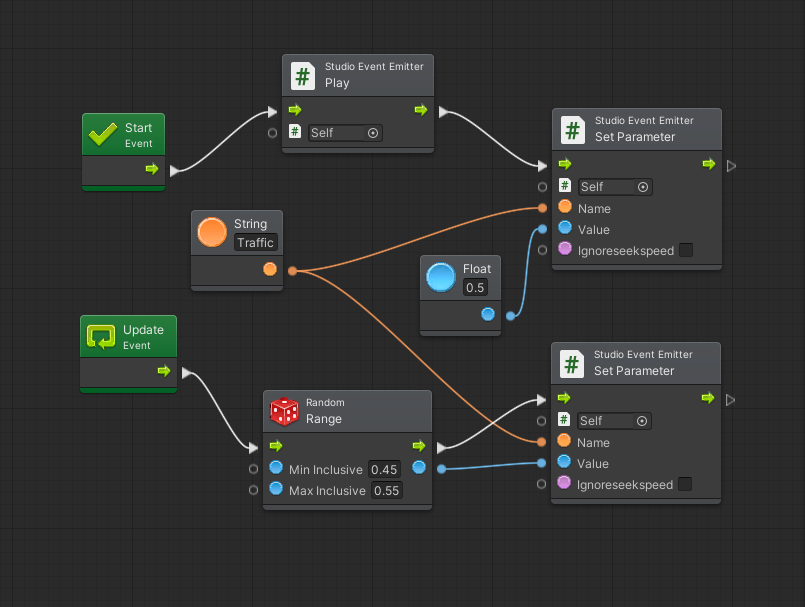
We have added a menu command to easily integrate with Visual Scripting, using Bolt Visual Scripting in older Unity versions and Unity Visual Scripting in newer Unity versions.